Minecraft launcher and anti-doxxing mod
A native launcher written in Rust, and a Fabric mod that keeps your coordinates out of screenshots, clips and streams. Both are free, and the source is on GitHub.
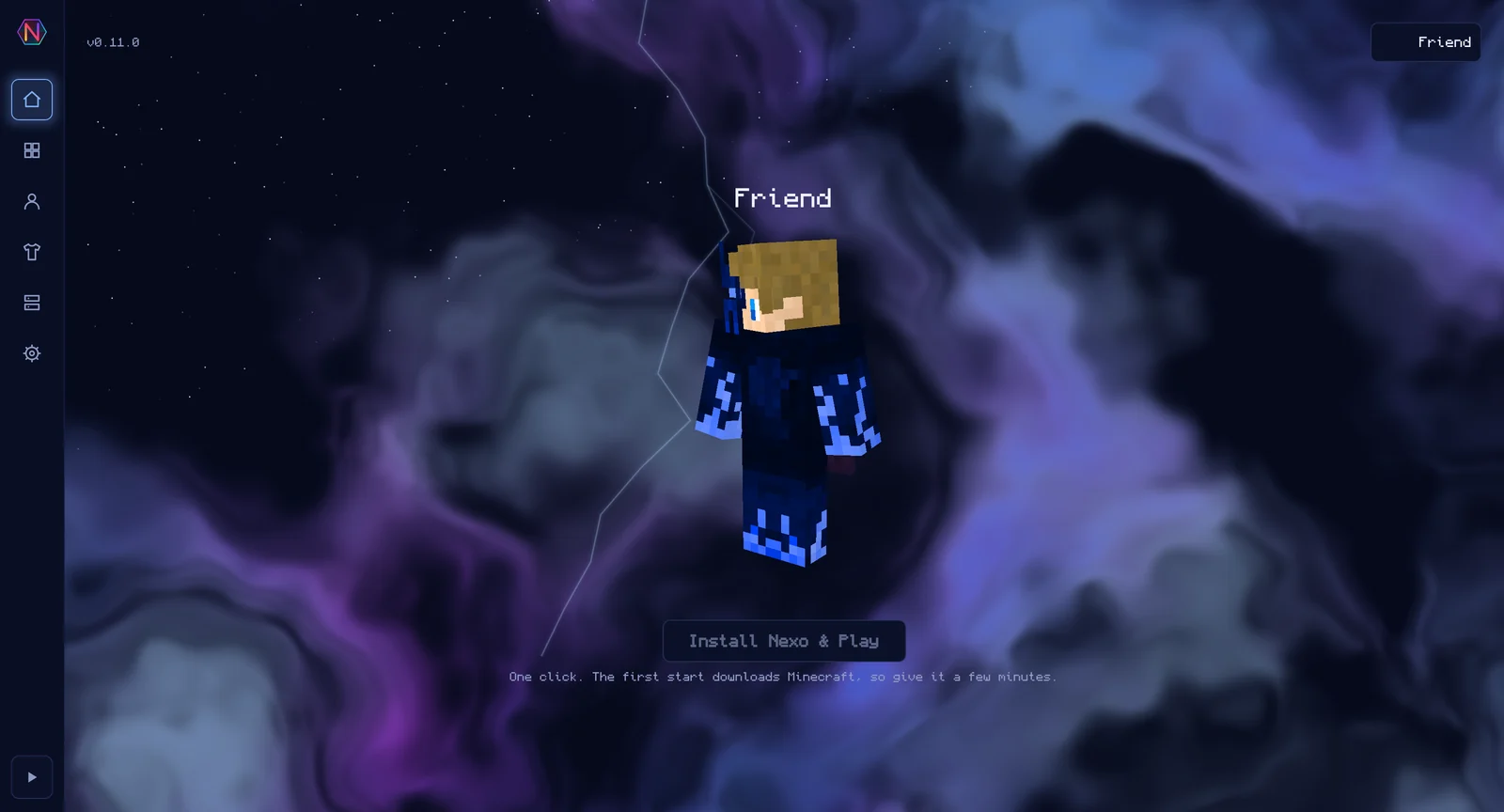
Features of the mod and launcher
Everything below is in the current release. It is alpha software, so expect bugs.
Anti-doxxing
Scrambles F3 coordinates
Randomises the coordinates in the F3 debug screen, so a screen share or clip doesn't show where your base is.
Evens out block rotation
Normalises the rotation of placed blocks like signs, stairs and logs, so nobody can work out your coordinates from their angles in a screenshot.
Hides the bedrock pattern
Masks the bedrock pattern at the bottom of the world. It depends on the seed, so it can otherwise give away your seed and your position.
Warns on full servers
On a server with more than 50 players, the first F3 press with visible coordinates shows a warning. Press again within ten seconds to open the debug screen anyway.
Multiplayer
Opens your LAN world online
Your LAN world is reachable over the internet through e4mc's encrypted QUIC relay. No port forwarding, no router settings, and your IP stays hidden.
Invites with one link
Send friends one link and they join your world. They don't need to link an account.
Reconnects the tunnel
If the relay drops mid-session, the tunnel comes back in the background, and nobody needs a new link.
In-Game Tools
Finds holes in bedrock
Finds gaps sealed inside the Overworld floor and the Nether roof and outlines each one through the terrain. It needs no seed, so it also finds holes other players broke.
Discord Rich Presence
Shows the world or server you're in, not just "Playing Minecraft". On a server, friends who run Nexo get a working Join button.
Restyled menus
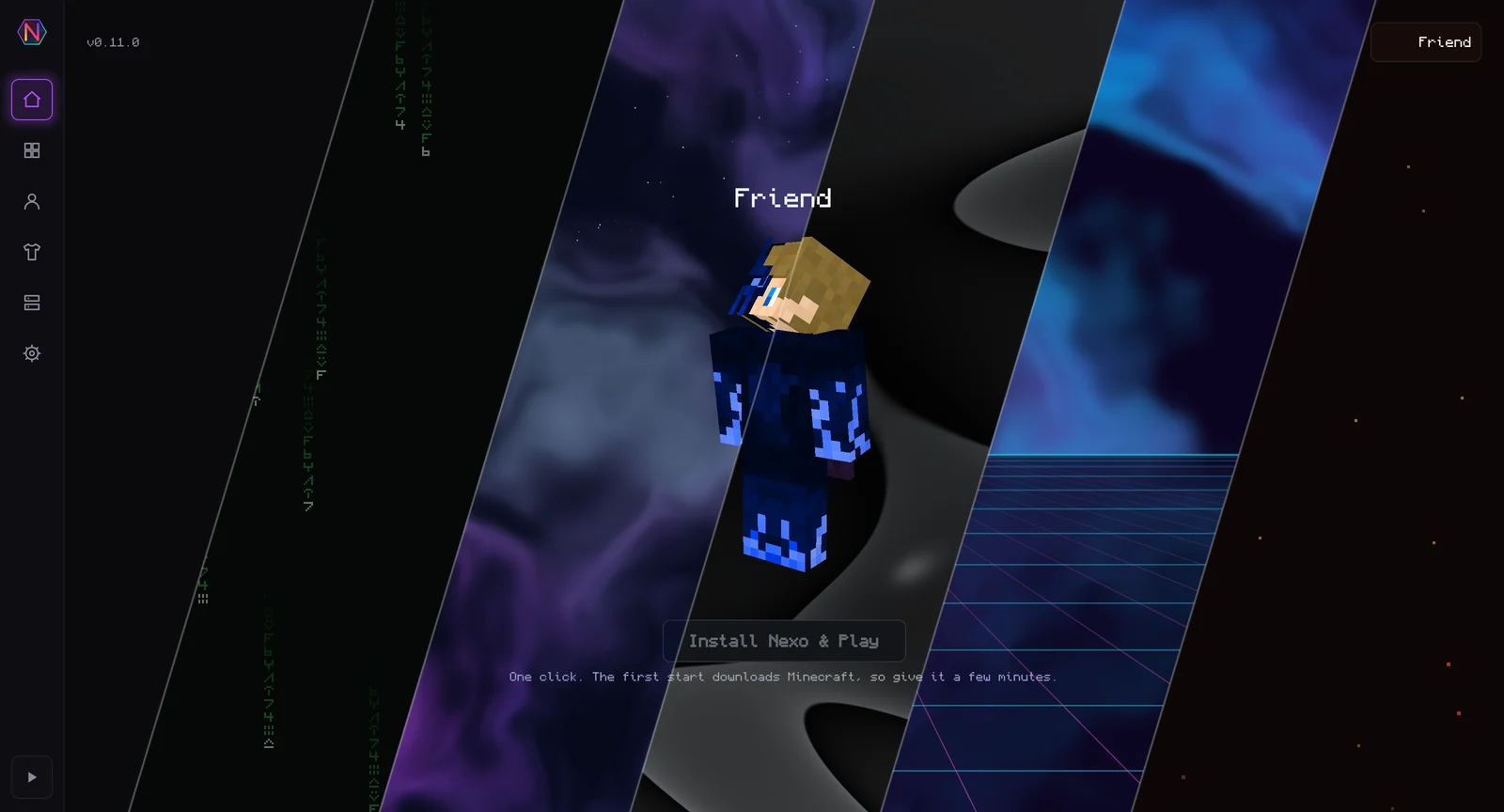
Rounded buttons, a starfield or Matrix-rain background and a modern font, on other mods' menus too. Each part can be switched back to vanilla.
Keybind macros
Bind chat commands to keys. Send all, cycle, pick at random, repeat while held or type without sending, with placeholders for your name, position and clipboard.
Emotes
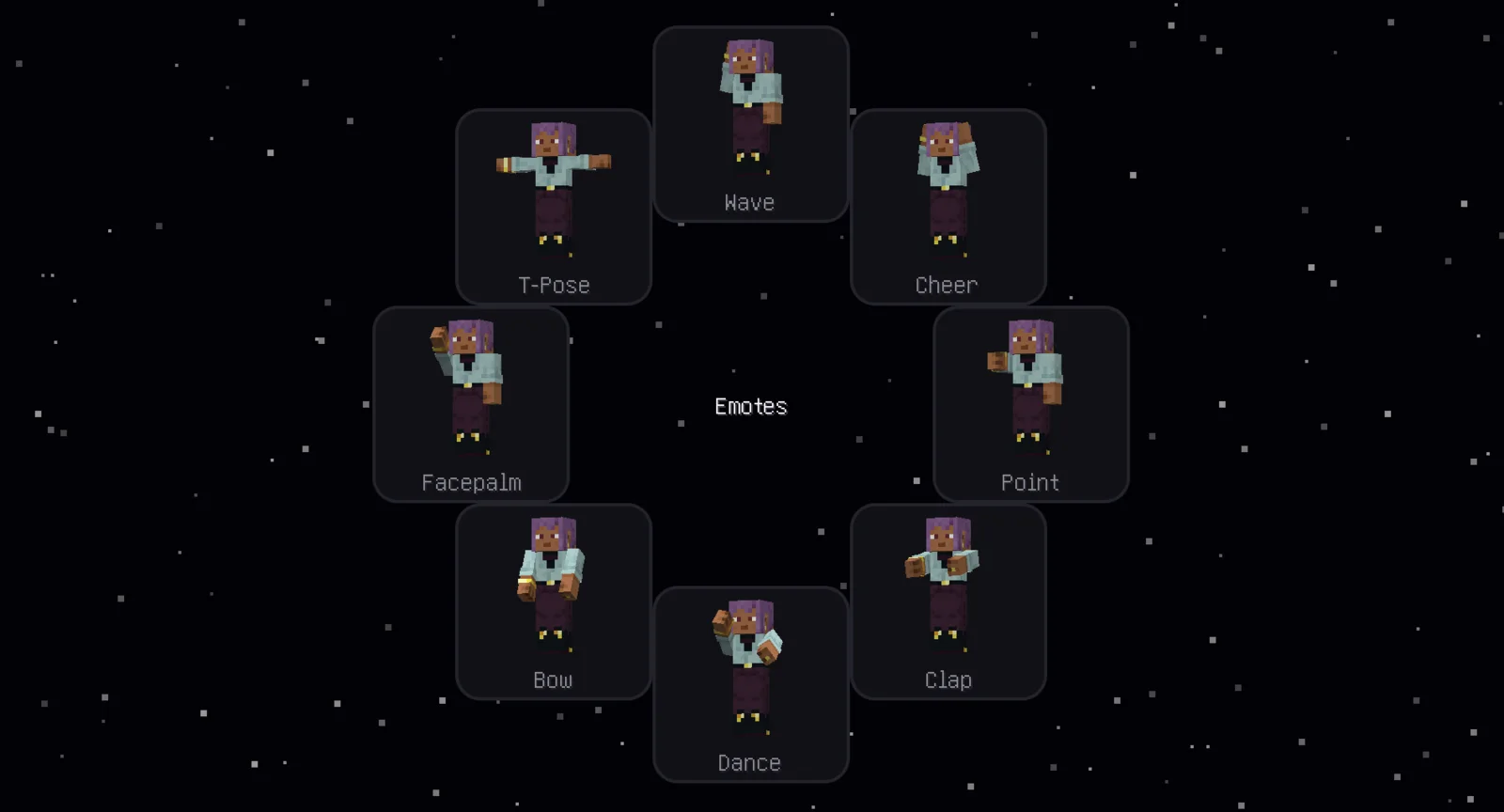
Emote wheel
Hold a key, pick an emote, and your player acts it out. Other Nexo players on the server see it too, through a relay that only passes encrypted bytes and stores nothing.
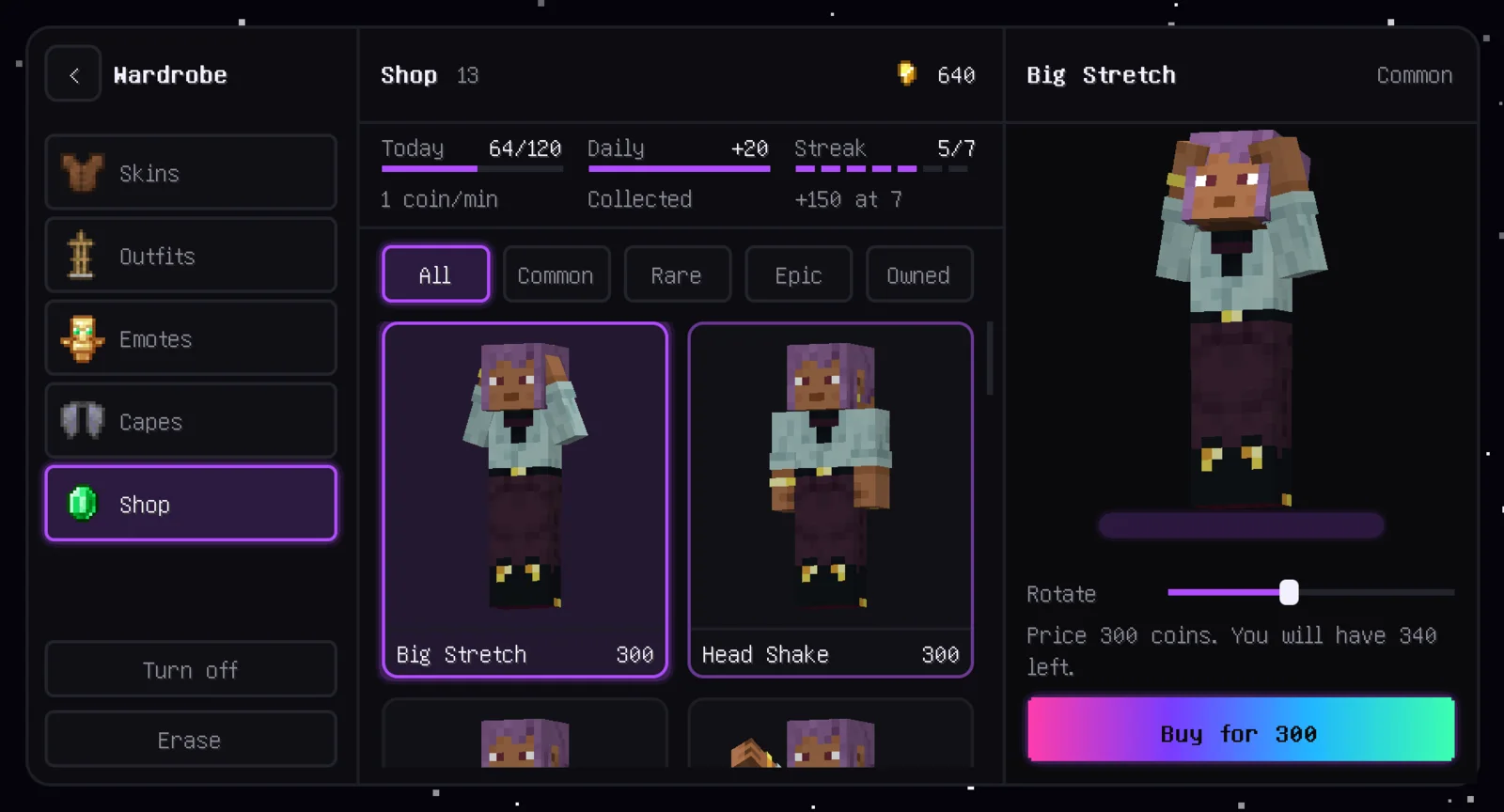
Wardrobe and shop
Starter emotes are free. More are in the wardrobe's shop, paid for with coins you earn by playing: a daily bonus, a streak bonus and time in game. No real money.
Tied to your account
Coins and emotes belong to your Minecraft account, proven through Mojang's sign-in handshake, so they move with you to any PC. Your access token goes to Mojang, never to us.
The launcher
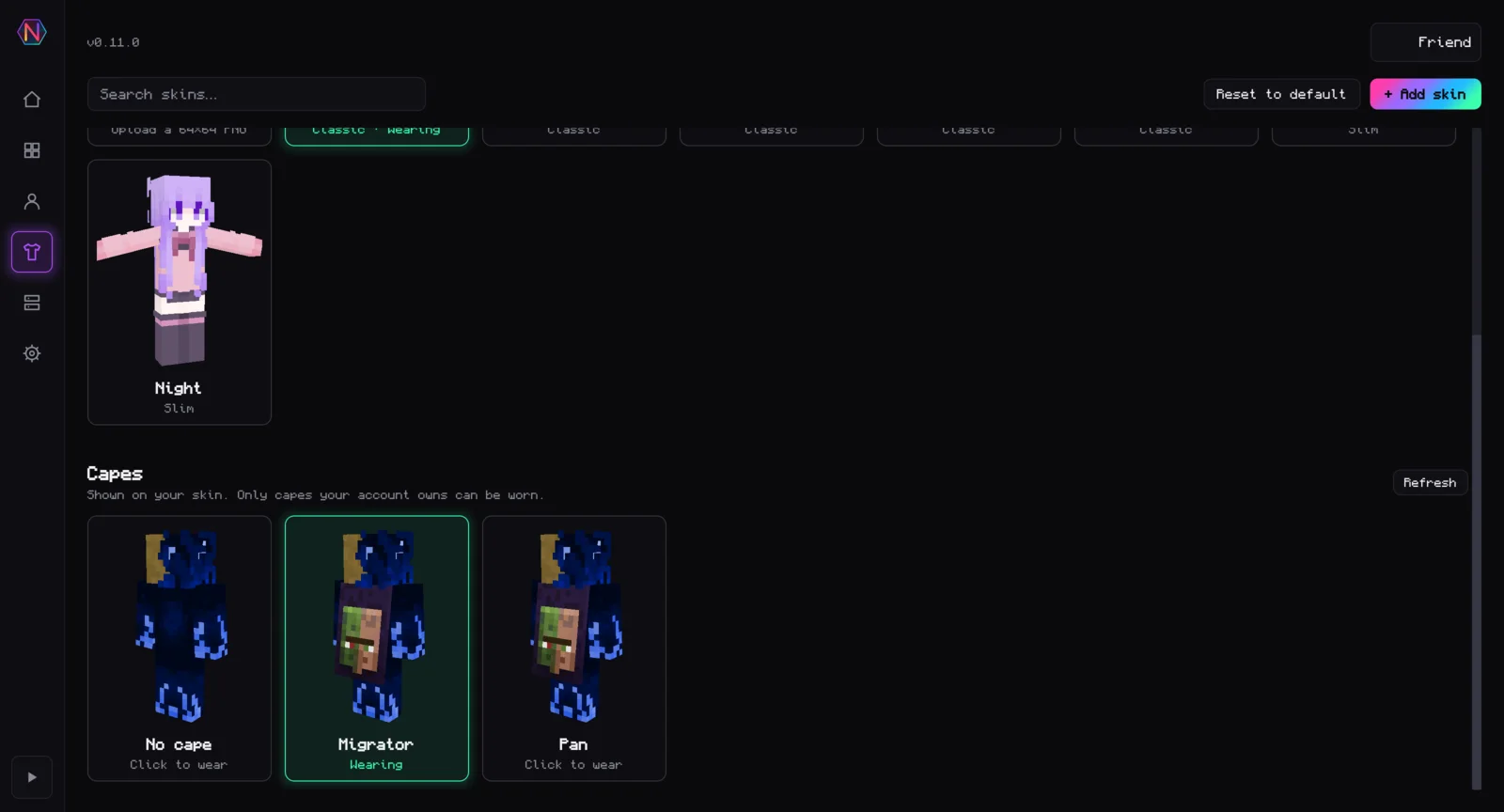
3D skin preview
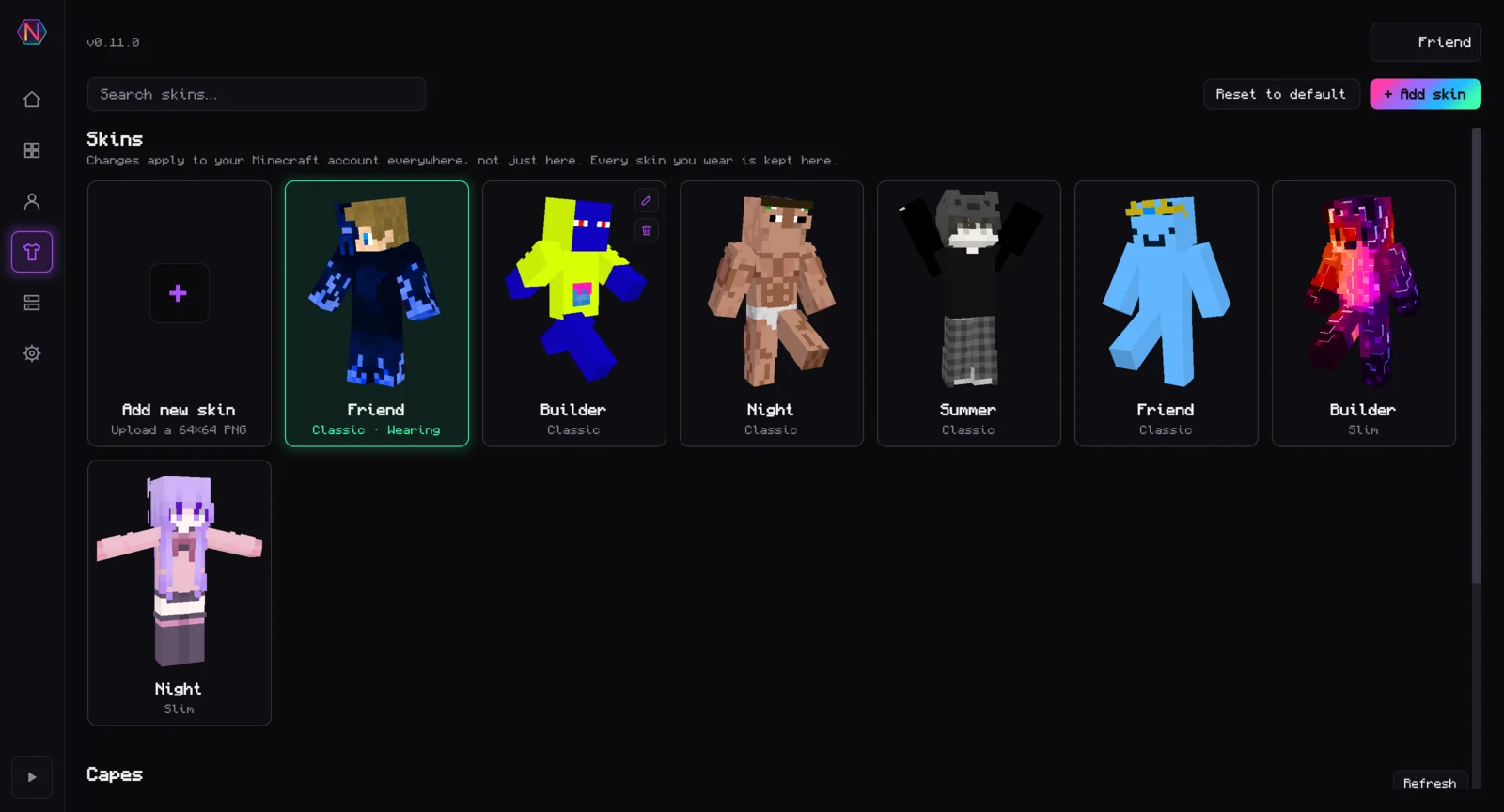
Your skin in 3D, drawn on the GPU with wgpu. It breathes, swings its arms and looks at your cursor. Every saved skin and cape gets its own figure.
Opens in under a second
A compiled Rust program, not a bundled browser. In our test the window was on screen after 0.23 s.
Encrypted account storage
Several Microsoft accounts in one AES-256-GCM store, with its key in your OS keyring. The mod reads the same store, so an account you add in the launcher is in the in-game switcher too.
One-click setup
One button makes a Nexo instance on the right Minecraft version, installs the mod and starts the game. After that the mod updates itself when you press Play.
Server hosting
Make a Paper, Fabric or vanilla server in five steps, add plugins and mods from Modrinth, and give friends a public address without port forwarding. It runs while the launcher is open.
Themes and fonts
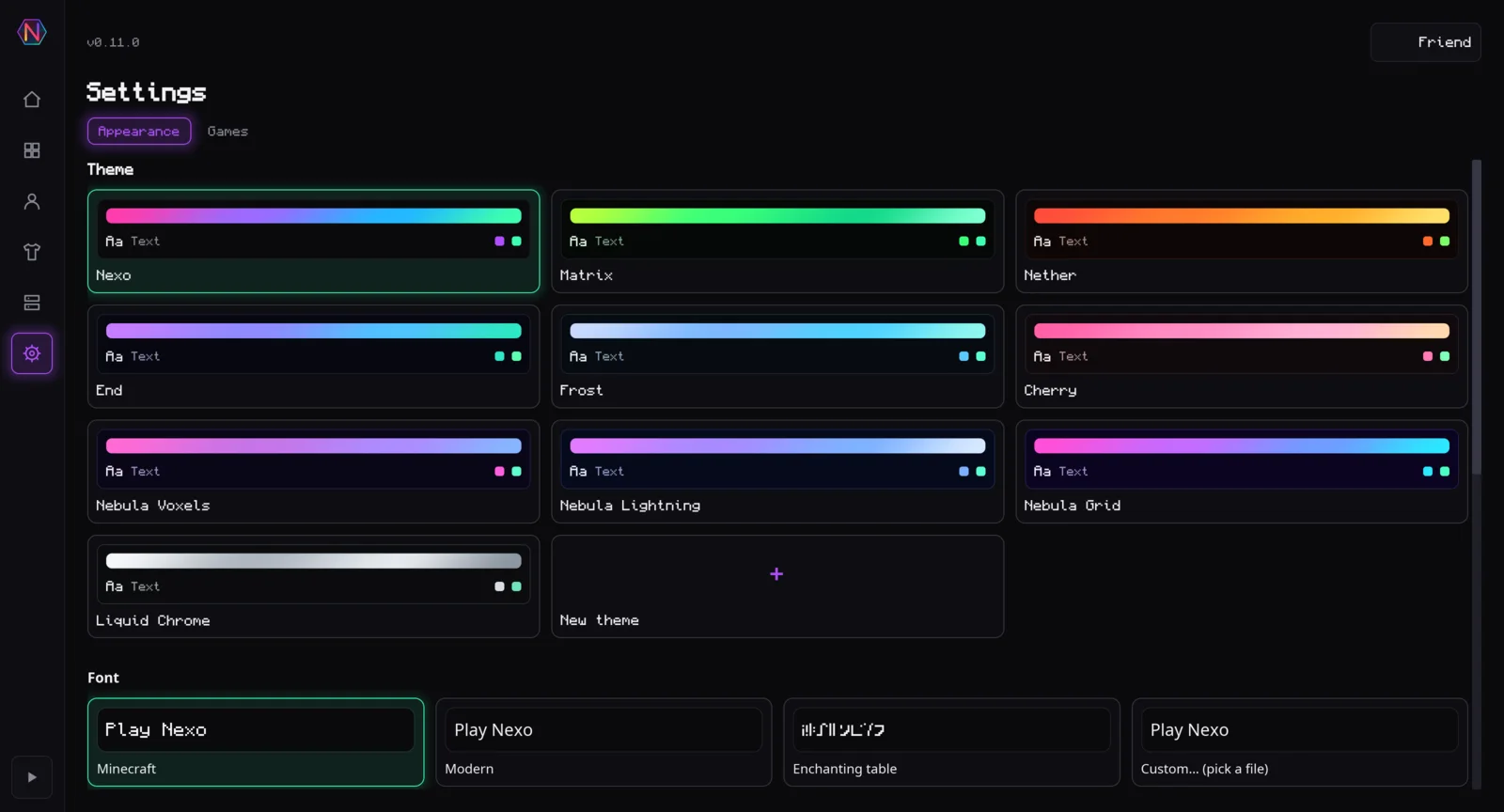
Ten themes with animated backgrounds, your own colour themes, and a choice of font: Minecraft-style, modern, the enchanting table alphabet or any font file you have.
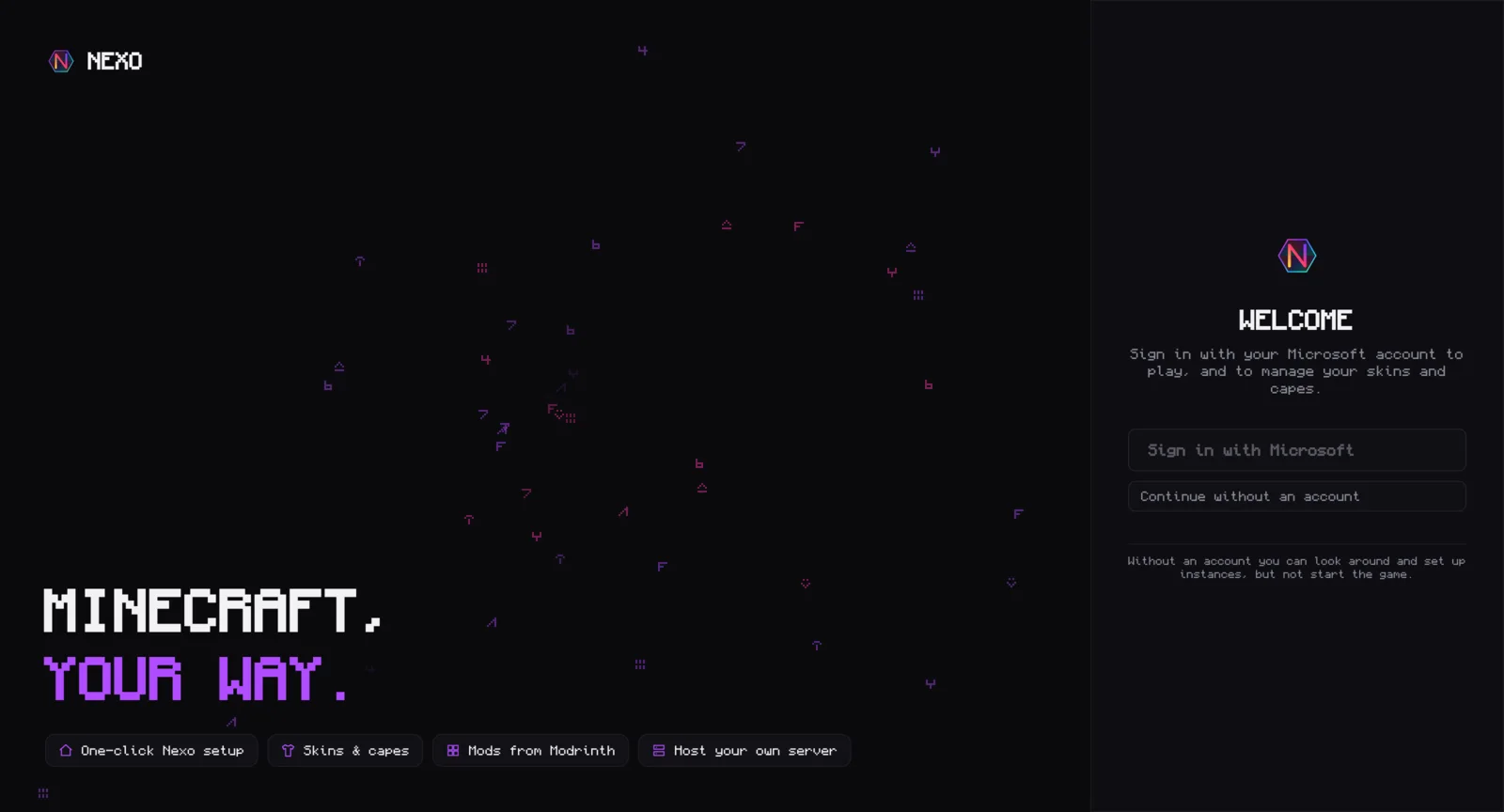
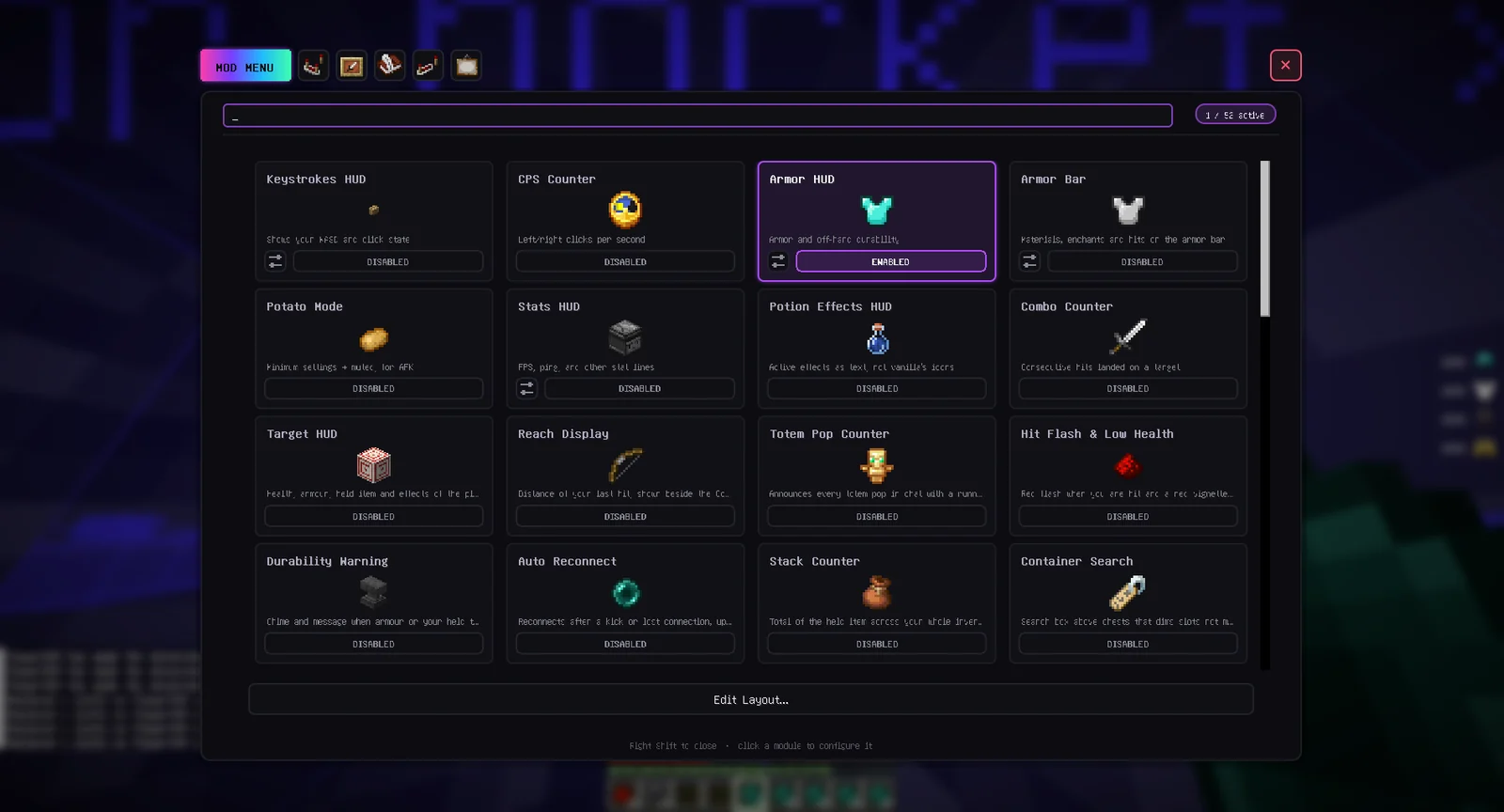
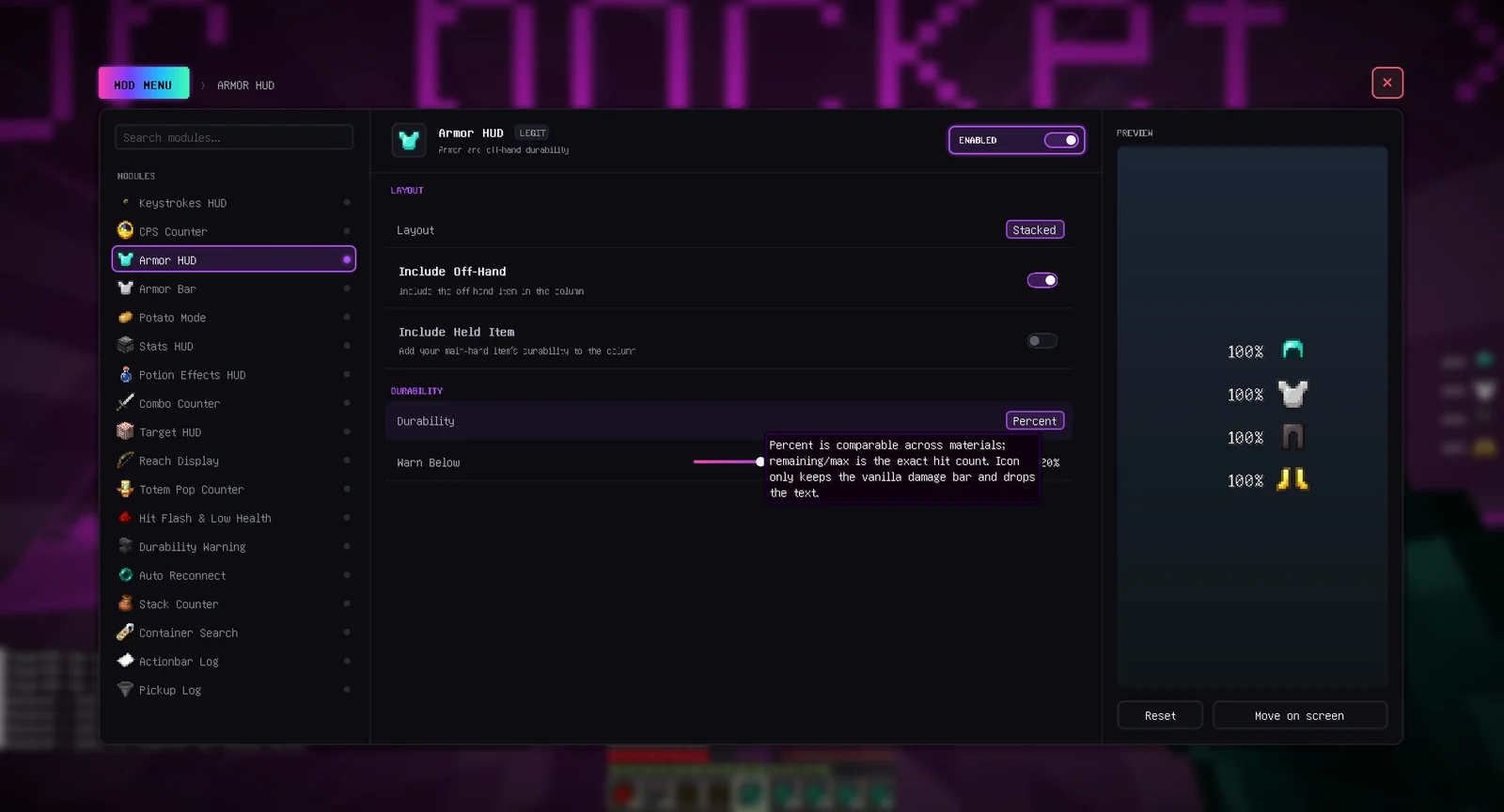
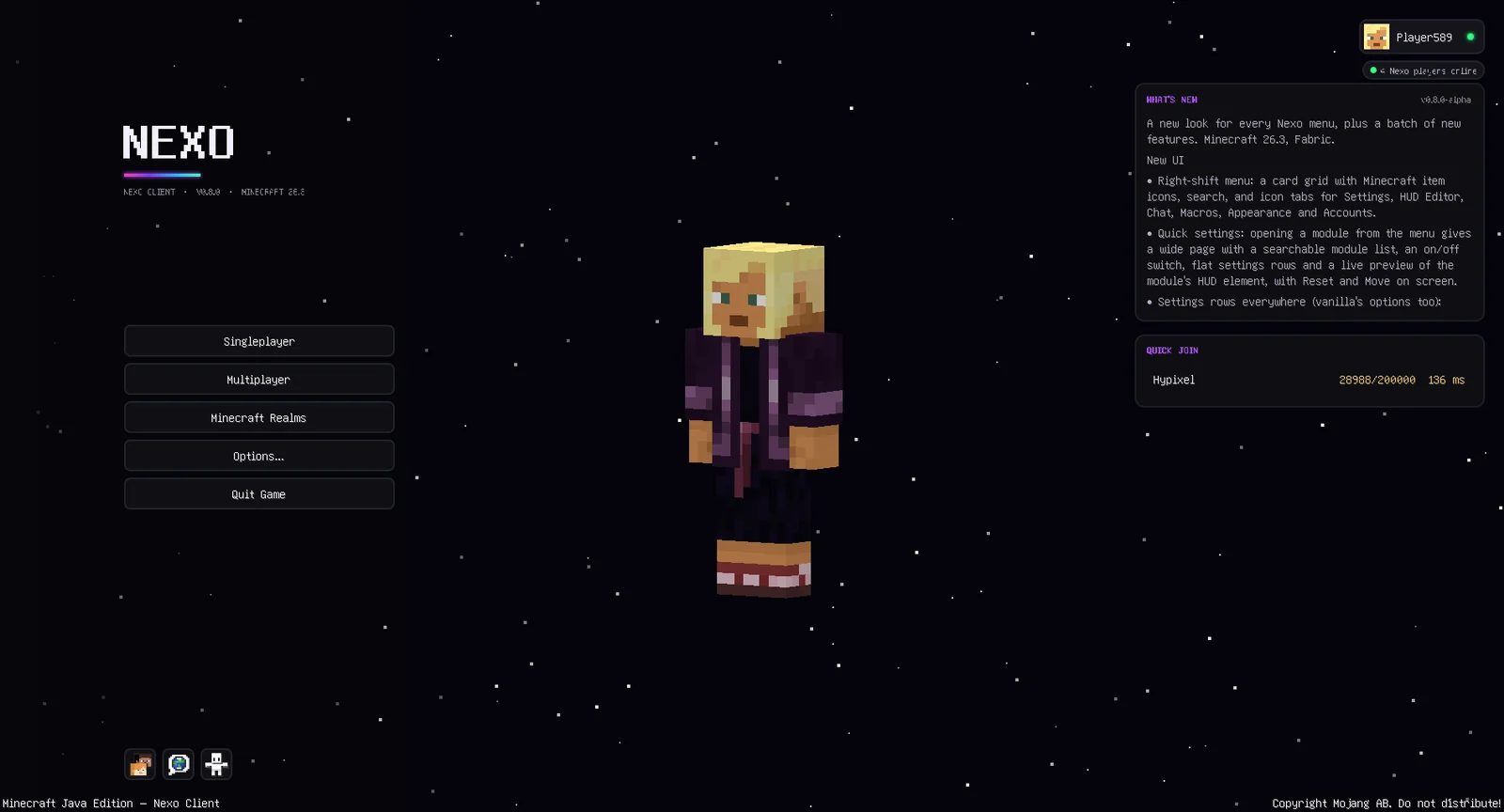
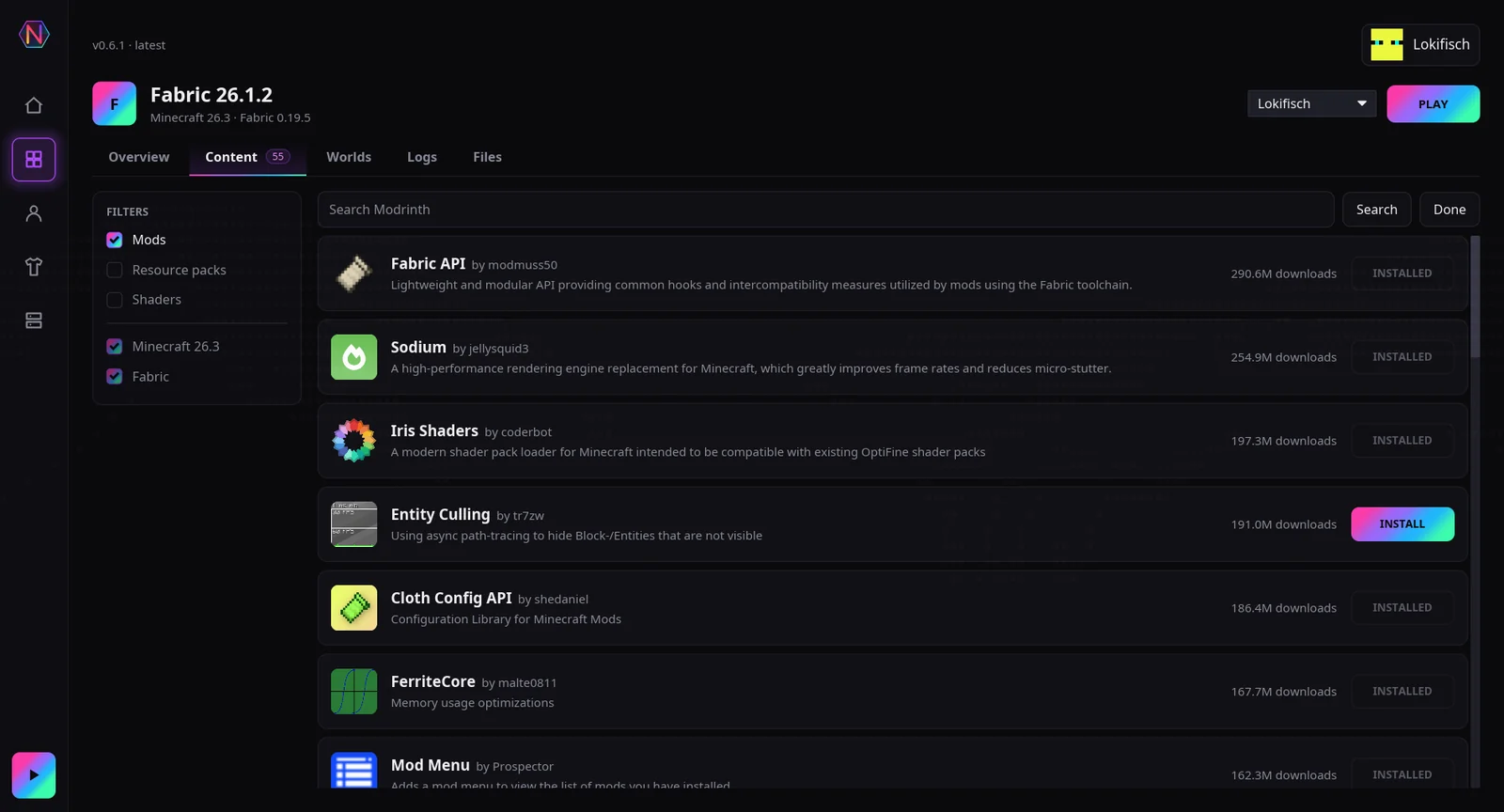
Screenshots of the launcher and mod
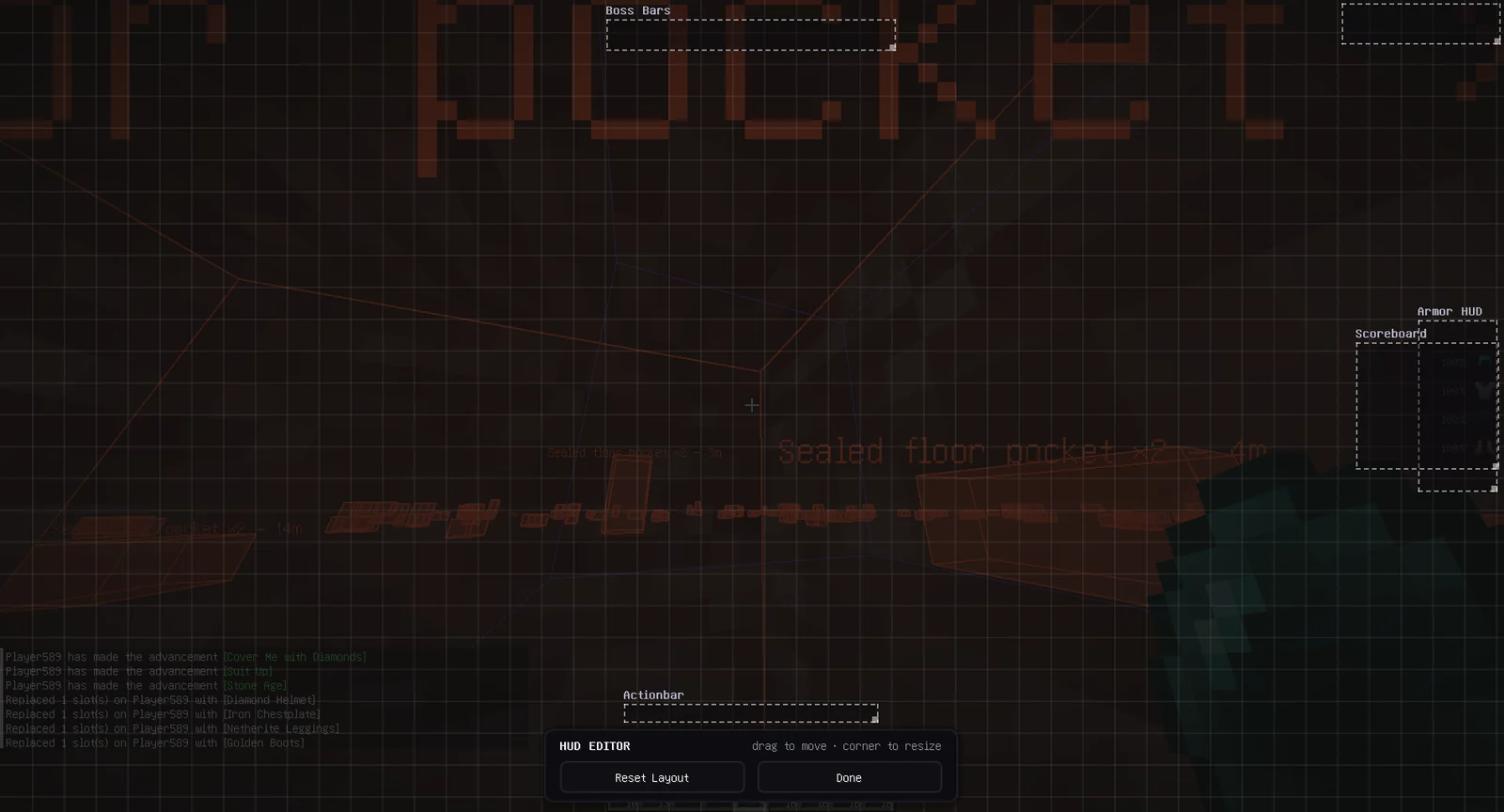
The launcher and the in-game menus, as they are in the current release.
Nexo compared with other launchers
Nexo next to Prism Launcher, Lunar Client and the Modrinth App.
| Feature | Nexo | Prism Launcher | Lunar Client | Modrinth App |
|---|---|---|---|---|
| Written in | Rust | C++ (Qt) | Java | Tauri + Rust |
| Anti-doxxing | Built in | — | Partial | — |
| LAN over the internet | QUIC relay | Manual only | — | — |
| Mods | Fabric | Fabric + Forge + Quilt | Curated only | Full Modrinth catalog |
| 3D skin preview | Yes, on the GPU | — | Basic | — |
| Account encryption | AES-256-GCM + OS keyring | OS keychain | OAuth only | OS keychain |
Startup and resource use
| Metric | Nexo | Modrinth App |
|---|---|---|
| Window on screen | 0.23 s | 0.95 s |
| CPU time, first 20 s | 4.2 s | 14.9 s |
| Peak CPU (% of one core) | 28 % | 270 % |
| CPU at rest on home screen | 20 % | 28 % |
| Memory (PSS) | 73 MB | 535 MB |
| Processes | 1 | 4 |
Median of 5 launches each, same machine, whole process tree counted. Intel i5-7200U · 8 GB · Arch Linux / Hyprland · Nexo 0.12.0 vs Modrinth App 0.21.9 · 2026-11-04
Download Nexo
The launcher runs on its own. The mod runs in any Fabric instance, Nexo's or one you already have.
Launcher · v0.13.0
Installer
Installs per user, so Windows never asks for admin rights. Start-menu entry included, and it updates itself from then on.
Download for WindowsPortable .exe
The same launcher as a single file. Nothing is written outside its own data folder, so it runs from a stick.
Download portableBinary · x86_64
One executable with no runtime to install. Run chmod +x and start it, or use the AUR or apt package below.
Arch Linux · AUR
Built from source and updated with the rest of your system.
yay -S nexo-clientDebian & Ubuntu · apt
amd64 and arm64. New releases arrive through apt upgrade.
curl -fsSL https://nexomc.dev/apt/key.gpg | sudo tee /usr/share/keyrings/nexo.gpg >/dev/null
echo "deb [signed-by=/usr/share/keyrings/nexo.gpg] https://nexomc.dev/apt stable main" | sudo tee /etc/apt/sources.list.d/nexo.list
sudo apt update && sudo apt install nexo-client
Every build is listed with its SHA-256 in SHA256SUMS.
Mod · v0.11.2
Two builds from one source tree. Pick the second if you play somewhere that reviews what you have installed.
Tactical
Every feature, including the ones some servers count as an advantage.
Download jarLegit
Nothing that grants information or automation vanilla withholds — approvable without an audit.
Download jarNeeds Minecraft 26.3 with Fabric Loader 0.19.3+ and Java 25+. Drop the jar into your instance's mods folder.
mods folder.